Bluetooth OBD Security: FAQs

Bluetooth OBD Security: FAQs
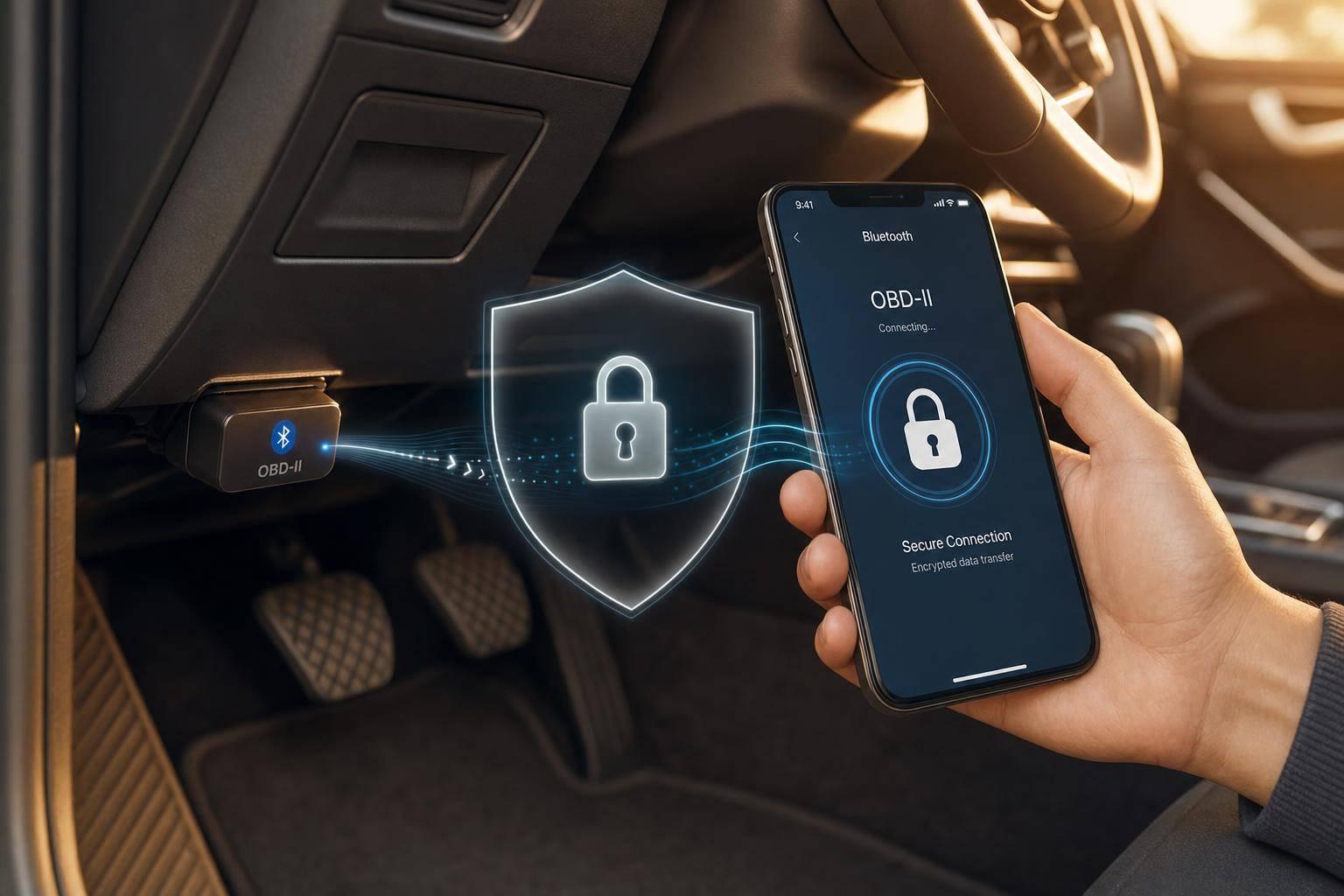
A Bluetooth OBD-II dongle can make your car easier to read - and easier to reach. Tests cited in this article found that 100% of 77 wireless OBD-II dongles had at least two security flaws, about 85% lacked checks at the connection or app layer, 68% allowed raw CAN messages, and one-third allowed more than one connection at once.
If I had to sum it up in plain English, it’s this:
- Weak pairing is a big problem. Many dongles still use PINs like
0000or1234, or let nearby devices connect with little or no user approval. - Bluetooth encryption alone doesn’t fix it. A protected link does not stop a connected device from sending bad commands.
- Firmware and apps can be the weak point. Some dongles pass raw commands to the car, and some apps have poor update or network security.
- Leaving a dongle plugged in adds risk. Low-cost devices may stay on, stay discoverable, and even drain the battery while the car is parked.
- Your data can travel far beyond the car. VIN, speed, mileage, routes, and EV battery data can end up in apps, cloud systems, and APIs if they are not locked down.
Here’s the short list of what I’d do:
- Use a dongle with BLE 4.2+ and LE Secure Connections
- Avoid cheap clone devices with fixed default PINs
- Use Numeric Comparison or Passkey Entry
- Keep pairing open for only a short time after power-on
- Pick devices that sleep when the ignition is off
- Keep firmware and apps updated
- Review paired devices often and remove old ones
- Protect app-to-cloud traffic with TLS 1.2+
- Limit who can send command-level actions and who can view stored data
The core point is simple: Bluetooth OBD security is not just about Bluetooth. It also depends on pairing, firmware, apps, update flow, device setup, and how diagnostic data is stored and shared after it leaves the vehicle.
If you want a fast, plain-language view of the risks and the fixes, this article lays them out step by step.
Bluetooth OBD-II Security Flaws: Key Stats & Risk Breakdown
Bluetooth OBD Risks and Common Weak Points
Weak Pairing and Nearby Unauthorized Access
The most immediate risk is simple: someone within Bluetooth range can connect to a weak dongle without ever touching the car. That sounds small, but it opens the door to much more than casual snooping.
A lot of dongles still ship with weak pairing controls. Some rely on hardcoded PINs like 0000 or 1234. Others pair without asking the user for approval at all. Hardcoded PINs on ELM327-based clones score 9.8 (Critical) under CVSS 3.1 [7].
"Many [dongles] are based on the ELM327 Bluetooth device which have very poor security, including no Bluetooth PIN, or an unchangeable default of 1234/0000." - Andrew Tierney, Pen Test Partners [5]
There’s another weak point too: one-third of tested dongles allowed simultaneous connections, which means a second person could piggyback on an active session while the owner was still connected [1].
Once pairing is weak, the next issue is what a connected device can actually send.
Firmware, App, and Command Filtering Flaws
Getting past pairing is only half the problem. After a device connects, an attacker may also take advantage of weak firmware and insecure companion apps.
Nearly 68% of tested dongles allowed unfiltered CAN messages to reach the vehicle’s internal network [1]. Since the OBD-II port connects straight to the CAN bus, ECUs may treat messages from a compromised dongle as legitimate. In plain English, that can let an attacker inject raw commands into key vehicle systems.
In August 2020, researcher Haohuang Wen showed this on his own 2015 Honda Civic. Using a weak dongle, he caused alert systems to malfunction and made the car behave abnormally [1].
The app side has its own problems. A 2024 review of 125 automotive companion apps found issues in 70% of them, and 18 apps allowed raw CAN commands without validation [4]. In 2025, NowSecure found that Xtooltech AnyScan v4.40.11 used an insecure TrustManager and hardcoded DES keys. That opened the path to malicious plugin injection, persistent remote code execution, and unauthorized vehicle control [9].
Vulnerability Types and Likely Impact
The table below sums up the main failure modes, where they happen, what they can do, and what usually causes them.
Vulnerability Type Layer Impact on Vehicle Typical Root Cause Open pairing Connection Unauthorized access and control by nearby strangers No PIN required or always-discoverable mode Weak/hardcoded PINs Authentication Arbitrary command injection into the OBD-II bus Default PINs like 0000 or 1234 Lack of message filtering Firmware Erratic vehicle behavior or ECU malfunction Failure to filter unfiltered CAN messages Simultaneous connections Connection Attacker stays connected while owner's device is active Firmware allows multiple active wireless sessions Insecure update mechanisms Application Persistent remote code execution Insecure plugin updates and weak TLS validation Vulnerable companion apps Application Data exposure or unauthorized feature access Weak app authorization and insecure API communication
sbb-itb-9525efd
Security Controls for Bluetooth OBD Communication
Bluetooth Settings That Should Be Enabled
The first fixes are pretty straightforward: tighten pairing and key handling.
Use BLE 4.2+ with LE Secure Connections. For pairing, go with Numeric Comparison or Passkey Entry. Also require bonding with a 16-byte LTK. One more smart move: keep bonding open only for a short window right after power-on. That cuts down the chance of someone nearby trying to pair without permission [8][10].
Why Bluetooth Encryption Alone Is Not Enough
A secure Bluetooth link helps, but it doesn't solve the whole problem. It protects the wireless connection itself, not what a connected device is allowed to do.
"Allowing unauthenticated wireless access to change code in vehicle systems represents a significant safety and security risk." - Industrial Monitor Direct [3]
That’s the key point. If a device can send commands after it connects, encryption by itself won’t stop abuse.
You need application-layer controls on top of link protection. In practice, securing OBD communication comes down to four layers: link security, command authentication, update integrity, and network isolation. That means adding device whitelisting, using HMAC for critical commands, verifying signed OTA updates with Secure Boot, and separating wireless components from safety-critical systems through network segmentation [3].
Configuration Choices for Safer Deployments
The table below shows the main controls and the settings that make sense for OBD deployments.
Bluetooth Version or Feature Recommended Setting Security Benefit OBD Use Case BLE 4.2+ LE Secure Connections Enforces ECDH; prevents passive eavesdropping Modern mobile-to-dongle links Pairing Method Numeric Comparison MITM protection via user confirmation Consumer dongles paired with smartphone apps Bonding Policy Encryption requires bonding Prevents spoofing by unbonded devices Persistent trusted links for frequent use Key Size 16 bytes (minimum) Maximum cryptographic strength for the LTK Securing long-term keys across sessions Encryption AES-CCM (128-bit) Data confidentiality and integrity All diagnostic data streams App-to-Cloud Traffic TLS 1.2+ End-to-end encryption for backend integration Telematics and remote diagnostics Critical Commands HMAC / Message Authentication Prevents command injection and replay attacks ECU reset or coding commands Access Control Device Whitelisting Restricts access to authorized hardware and apps Enterprise and fleet deployments
Two more settings are worth turning on.
- Reject debug keys by refusing pairing attempts that use known development keys [10].
- After a failed bond attempt, close the connection instead of allowing repeated retries. A string of failures can point to a brute-force attempt against the passkey [10].
These controls matter most when they’re backed up by tight access rules, signed updates, and careful backend handling.
Remotely Hacking a car through an OBD-II Bluetooth Dongle
Deployment, Operations, and Fleet Usage
Even solid Bluetooth settings can fall apart if the dongle stays reachable after deployment.
When Leaving a Dongle Plugged In Becomes Risky
Leaving a dongle plugged in is a bad idea unless the device is built with sleep mode and tight pairing windows.
The problem is pretty simple: many low-cost dongles stay active and discoverable even when the ignition is off. That means the vehicle's CAN bus may still be reachable to anyone within Bluetooth range, even without touching the car. In plain English, the pairing-window rule doesn't just matter during setup. It matters every day the dongle is left in place.
There's a second problem too. Cheap adapters that remain powered can drain the battery while the vehicle is parked. Better devices, such as the OBDLink CX, keep sleep current under 2 mA [8].
Pick a dongle that goes to sleep when the ignition turns off and only allows pairing for a short time after power-on. A physical button press is even better.
Update, Access, and Device Management Practices
After the dongle is in use, access control and maintenance become the next line of defense. Weak spots in these devices make routine management a must.
That means a few basic controls should be standard:
- Change default Bluetooth PINs like
0000or1234right away. Many cheap ELM327-based devices still use these fixed defaults [5]. - Keep dongle firmware and mobile apps up to date on a set schedule.
- For shops and fleet teams, pair each dongle with one assigned device for each bay or vehicle.
- Check Bluetooth pairing lists at least once a month and remove old entries.
For fleets, it helps to stick with one approved dongle model. That makes updates, audits, and replacements much easier to handle. Keep a physical inventory of every deployed device, and remove dongles before resale or outside servicing. Otherwise, an old adapter can remain part of the vehicle's access chain long after everyone forgot it was there.
Device Behavior and Operational Risk
Behavior Impact Risk Level Recommended Practice Always-on / always-discoverable Remote CAN bus access while vehicle is unattended; battery drain High Use devices with ignition-based sleep modes Default PIN (0000 / 1234) Easily bypassed by nearby devices High Enforce strong, unique pairing credentials Simultaneous connections allowed Attacker can connect while owner's device is already linked Medium Prefer dongles that restrict to one active connection Unfiltered CAN commands Injection of malicious messages that can disable ECUs or alter vehicle functions High Deploy devices with restricted command sets
The pattern is hard to miss: open access at any layer - connection, command, or app - stacks risk on top of risk. If one layer is locked down but another is left open, the vehicle can still be exposed.
Diagnostic Data Privacy and Secure Integration
After pairing and access control, the next risk is data exposure.
What Vehicle Data May Be Exposed
A Bluetooth OBD-II adapter can expose standard diagnostic data like RPM, speed, coolant temperature, fuel level, and DTCs. It may also expose the VIN, ignition counters, ECU firmware revisions, and, on newer EVs and hybrids, battery SOC, SOH, cell voltages, and inverter temperatures [2][6][8].
Some of this data is more sensitive than it looks at first glance. VINs, speed history, and route data deserve extra attention because they can identify a vehicle and show how it’s used [2][11]. Track speed and acceleration over time, and you can start building a picture of driving behavior - the same kind of data insurers already use in "pay-how-you-drive" programs [2]. Location and route history carry the highest privacy risk of all [2][11].
Once that data leaves the dongle, privacy depends less on Bluetooth and more on what the app and backend do with it.
How to Move Diagnostic Data into Backend Systems Safely
At that point, the risk shifts from the wireless link to storage, APIs, and backend access.
Bluetooth only protects the dongle-to-phone connection. It does not protect app storage or backend transfer by itself. For any cloud or backend transmission, TLS 1.2 or higher is the baseline [12][3]. Local storage should be encrypted, and the app should require user authentication. In setups with stricter security needs, application-layer encryption can turn the phone into a relay instead of a trust point, so data is decrypted only at the backend [12].
Backend controls matter just as much. Role-based access controls, audit logging, and strict data retention limits should all be in place [12][3]. For fleet operators, cloud APIs also need rate limiting and IDOR protections. Otherwise, one exposed VIN could open the door to data across an entire fleet [11]. If you need VIN decoding, OBD code diagnostics, or vehicle history lookups, send those requests through a secure REST API such as CarsXE so sensitive data stays on the backend.
Data Sensitivity and Protection Mapping
The table below maps each data type to its privacy risk and the controls that fit.
Data Type Privacy Risk Recommended Protection Typical Use VIN High - directly identifies the vehicle and owner Encryption; secure RESTful API access Vehicle history, parts matching DTCs Medium - reveals maintenance history and resale value Access controls on backend; secure storage Repair diagnostics, emissions compliance Speed & RPM High - profiles driver behavior over time Encryption in transit; anonymization for long-term storage Fleet safety scoring, usage-based insurance Mileage High - fraud and insurance implications Audit logging; strict access controls Usage-based insurance, resale valuation EV Battery SOH/SOC Medium - reveals vehicle health and usage patterns Controlled access; secure transfer to backend Warranty assessment, EV resale valuation GPS & Routes Critical - exposes daily routines and home/work locations End-to-end encryption; user-level authentication; retention limits Fleet tracking, navigation, theft recovery
The rule is simple: the farther diagnostic data travels, the tighter the controls need to be.
Conclusion
The pattern behind these risks is pretty straightforward: Bluetooth is handy, but that convenience holds up only when pairing, firmware, apps, and access control are all kept tight. Bluetooth OBD-II adapters can be useful, yet the wireless link adds real risk.
The biggest weak spots are pairing, default PINs, firmware quality, and companion apps.
Bluetooth settings matter, but they aren't enough on their own. Application-layer controls, signed firmware, and strict device management need to work together. And that layered setup can't stop at the vehicle. It has to continue after the data leaves it.
Bluetooth protects only the link to the dongle. Once diagnostic data leaves that device, it should be protected with TLS, backend access controls, and user authentication.
For fleets and individual users, the basics don't change:
- Unplug dongles when they aren't being used
- Update firmware
- Track paired devices
- Limit access
The core idea is the same whether you're dealing with one vehicle or an entire fleet. If even one layer is left open, the vehicle stays exposed.
FAQs
Can someone hack my car through a Bluetooth OBD dongle?
Yes. A Bluetooth OBD-II dongle can be a risk if it doesn't use proper authentication. In that case, someone nearby may be able to connect without permission.
And it can get worse. If the dongle also has weak firmware or poor message filtering, an attacker may send commands onto the vehicle’s CAN bus. That opens the door to privacy problems, theft, and even safety-related actions.
The safe move is pretty simple: use a device with strong, device-specific authentication and keep the connected apps up to date.
Is Bluetooth encryption enough to secure an OBD-II adapter?
No. Bluetooth encryption helps protect data while it moves between devices, but on its own, it’s usually not enough to secure an OBD-II adapter.
The main issue is simple: many adapters and apps still don’t have strong sign-in checks or tight access controls. That can leave the door open to unauthorized access, data leaks, or even malicious vehicle command injection.
Better protection comes from a layered approach, including:
- LE Secure Connections
- Application-layer authentication
- Updated firmware
Bluetooth encryption matters. It just can’t do the whole job by itself.
Should I leave my Bluetooth OBD dongle plugged in all the time?
It depends on the device.
Some adapters are built to stay plugged in without causing trouble. Others keep pulling power the whole time, which can slowly drain your battery if they don't have an automatic sleep mode.
There's also a security tradeoff. An always-on wireless device creates a constant entry point. If your dongle doesn't include auto-sleep, the safest move is to unplug it when you're not using it.
Related Blog Posts
- How TLS Protects Vehicle Data in Transit
- Phishing in OBD Systems: Case Studies
- How OBD Data Behavior Detects Cyber Threats
- Checklist for Securing OBD Data Transmission